How it works
First, find these red stickers on the white board that indicate the left and right edge of the area the “White board camera” sees.



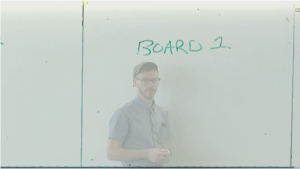
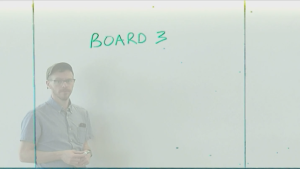
The white board will be divided into four “boards”; this is to better enhance the handwriting for its intended purpose. The camera will switch between the “boards” as it detects handwriting and display the “board” you are actively writing on.
Projection screen stills example:


TECH TIP: The camera will also notice faces (not facial recognition) and switch to the “board” it notices the face at. So if you find the camera is not switching to the board you are actively writing at, give the camera a look for about one second and it should switch to the section you are writing at. The “White board camera” is the camera mounted on the back wall directly across from the AV Podium location.